A geofence is a virtual fence that you can set up and be informed when the device crosses it.
On bottom tab tap My Pets icon.
Tap on the tracker you want to create a fence for.
Tap on Geo-fences button.
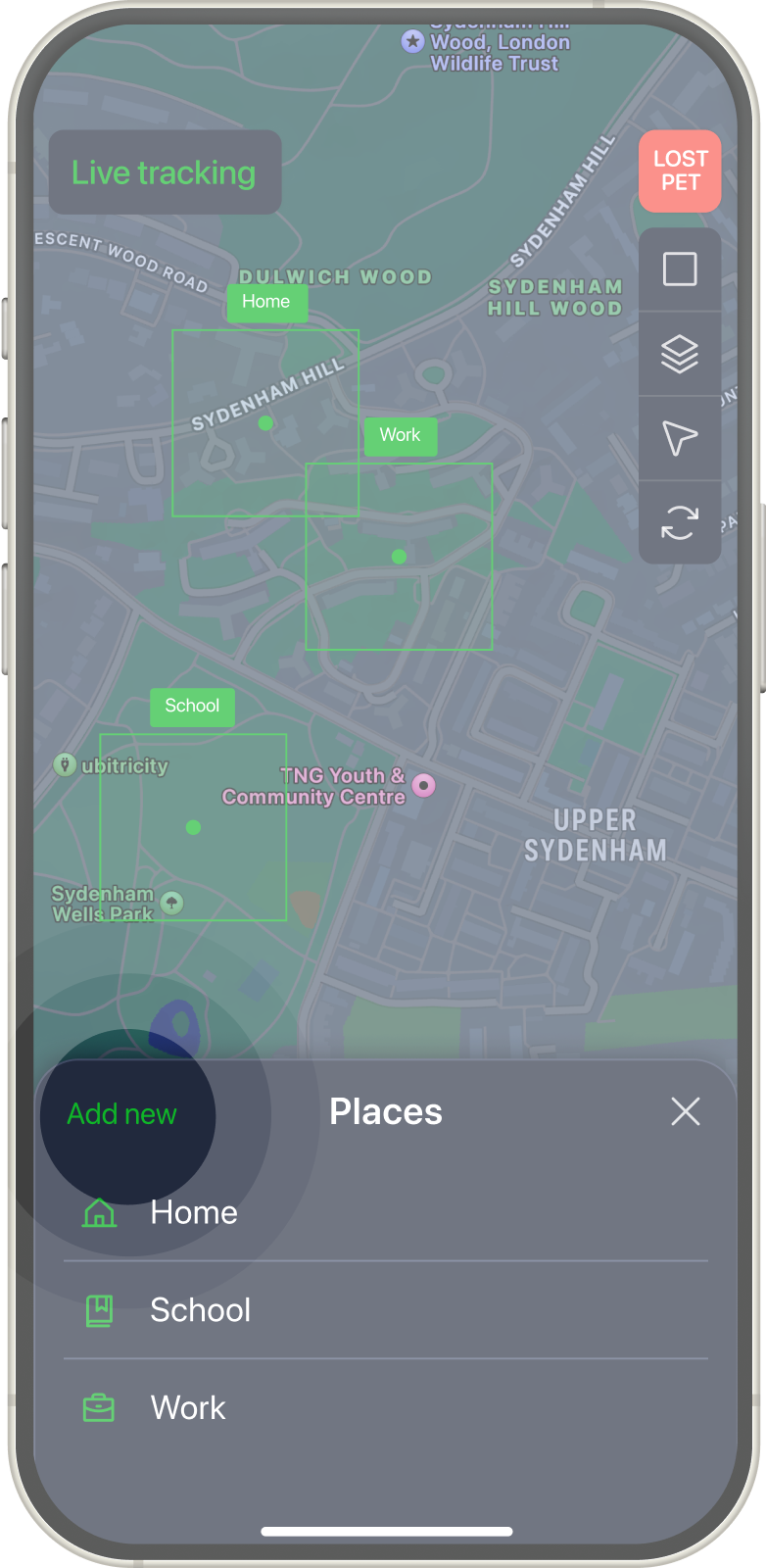
Tap on Add new to create new zone.
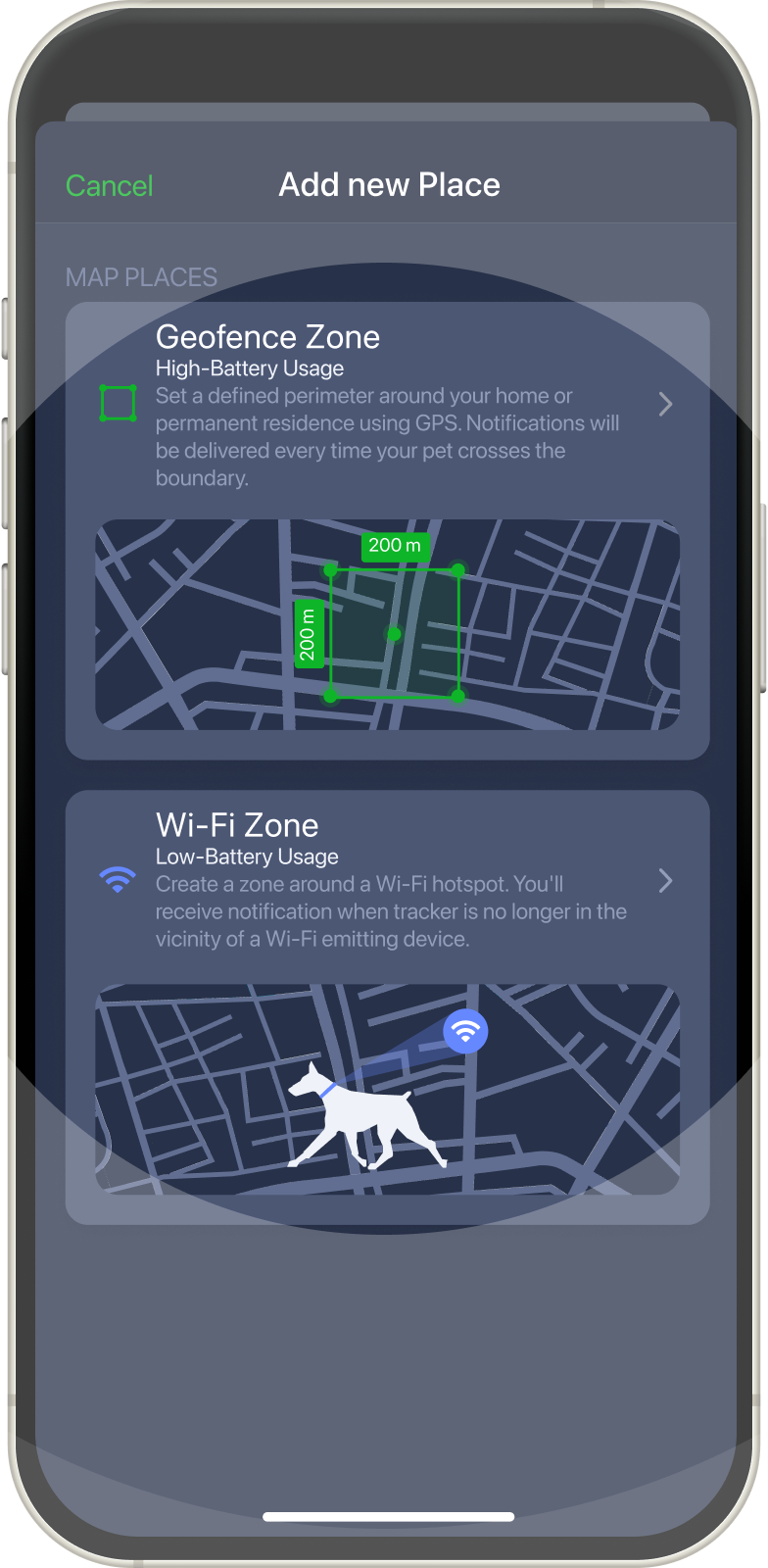
Choose the appropriate zone type to create it:
Geofence Zone — a defined perimeter around your home or permanent residence using GPS. Notifications will be delivered every time your pet crosses the boundary.
Wi-Fi Zone — a zone around a Wi-Fi hotspot. You'll receive notification when tracker is no longer in the vicinity of a Wi-Fi emitting device.
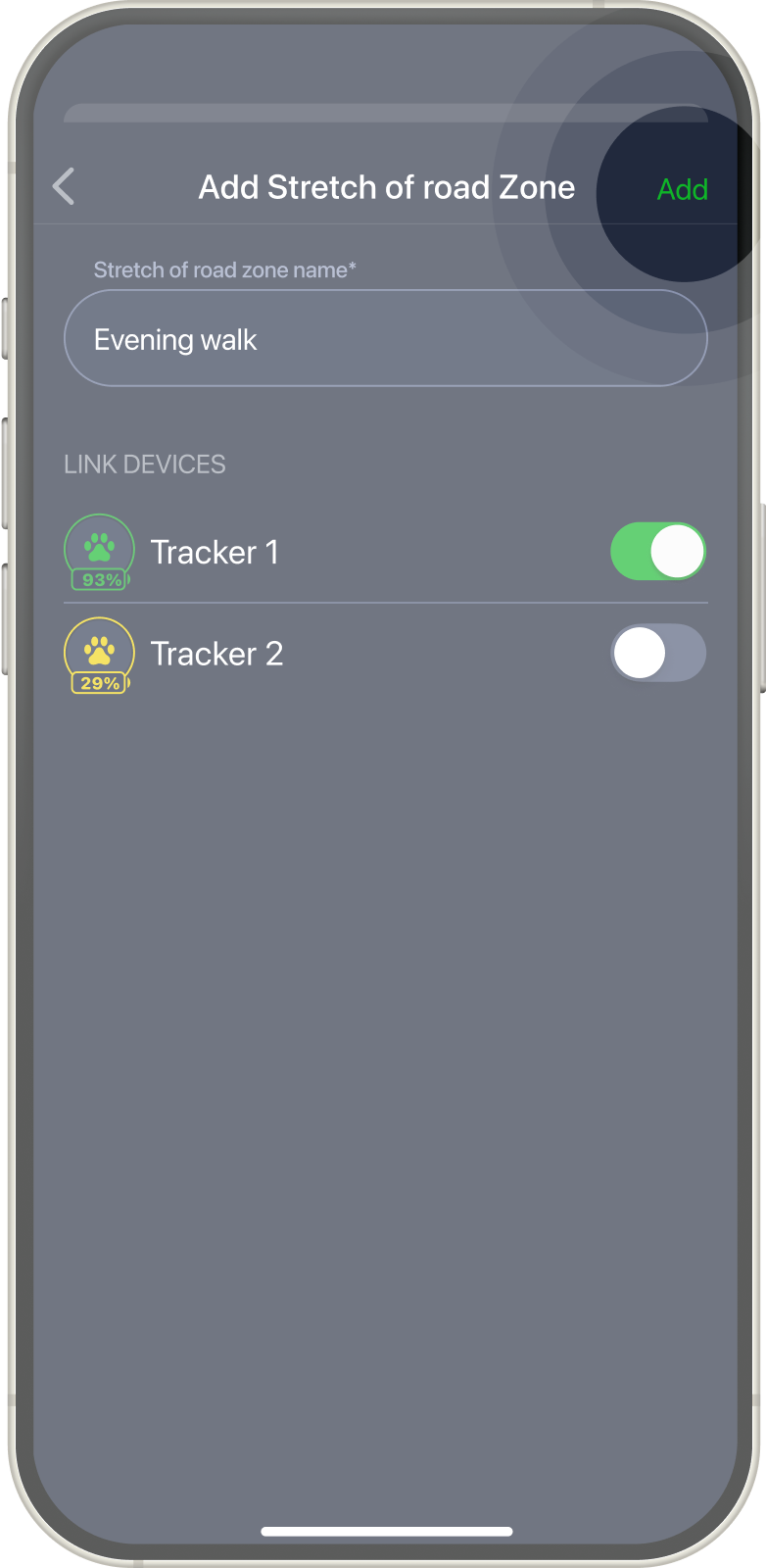
Set up zone according to the type settings, add zone name, choose devices and tap Add.